Team Invitation & Role Delegation
To safely scale administration, the platform includes a secure user-onboarding protocol.
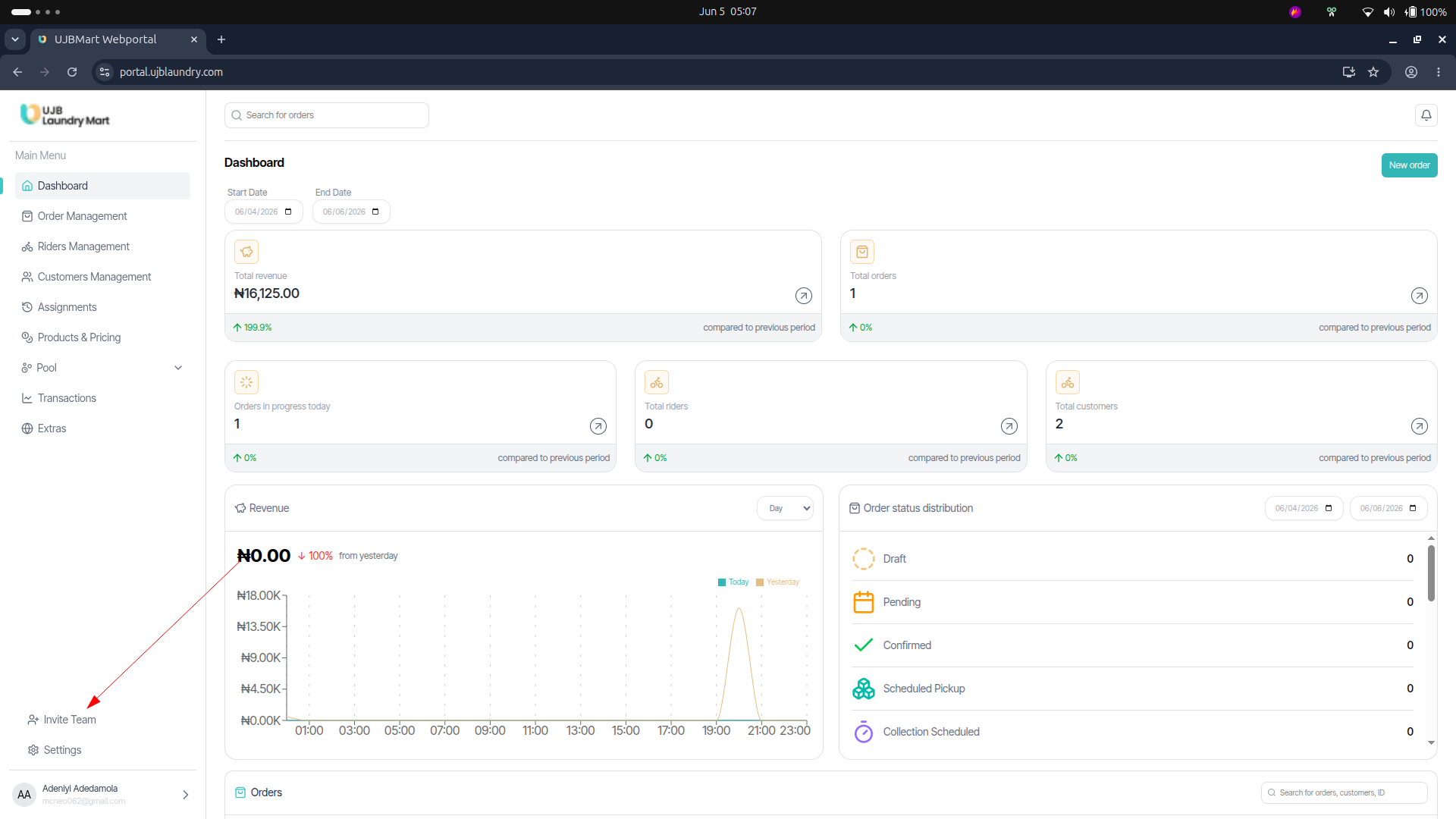
Inviting a New Team Member
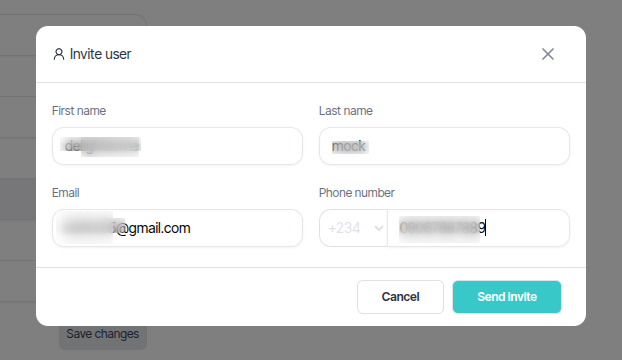
- Click the Invite Team action at the bottom-left of the main navigation menu.
- In the modal overlay, enter the user's First Name, Last Name, Email, and Phone Number.
- Click Send Invite. 📩 Onboarding Flow: Once sent, the platform triggers an invite to the recipient's email address, prompting them to log in securely and establish their personalized, private passwords.